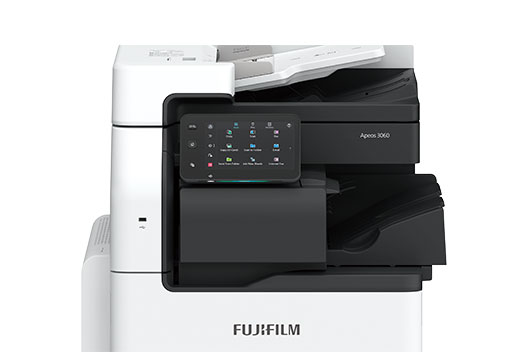
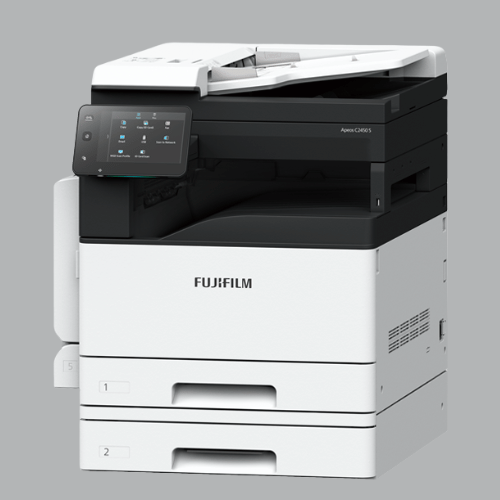
Apeos 3560 / 3060 / 2560

Apeos 3560 / 3060 / 2560

Small – Smart – Scalable Solution for your everyday business requirements


Overview

Copy/Print: 3560 35 ppm*1, 3060 30 ppm*1, 2560 25 ppm*1

Scan: Color/Monochrome 2 sided Scanning 80 ppm*2, 1 sided Scanning 80 ppm*2

Fax*3: Super G3 FAX

Printing Resolution: 1200 x 1200 dpi

Wireless LAN Supported*3

Features

Uncompromising usability along with compatibility

Multipurpose device with small footprint and easy setup
  • Compact design with width of 590 x depth of 659 mm
  • Select a right configuration of 1, 2 or 4 trays as per your growing requirements

Uncompromising Image quality

  • High-resolution printing of 1200 x 1200 dpi achieved with LED printhead
  • Image Enhancement processing reproduces diagonal lines and the outlines of characters, which can become jagged when printed, more smoothly
  • Achieved print that is eye-friendly and easy to scan by taking advantage of the low temperature fusing properties of EA-Eco LGK toner with lower glossiness

Quick scanning of high-volume originals

  • Up to 80 ppm can be read at high speed in Scan
  • Up to 130 sheets can be loaded
  • One pass DADF will not damage the original document
  • Instantly scan without manual entry of each original size
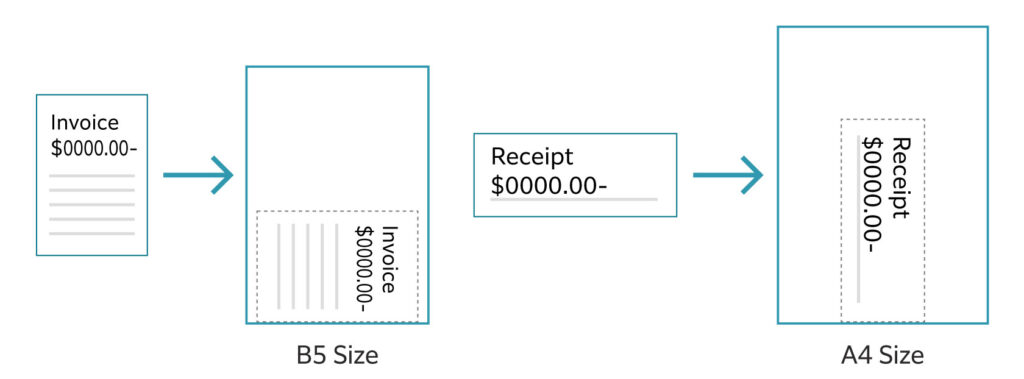
  • Automatically converts custom size originals to standard size

Automatically scans small originals as-is to a standard size


Quick startup and output for greater efficiency

  • Fast Boot Mode prepares the operation panel in 6 seconds*1
  • Quick warm up in less than 28 second
  • First Copy Output Time in 4.5 seconds*2

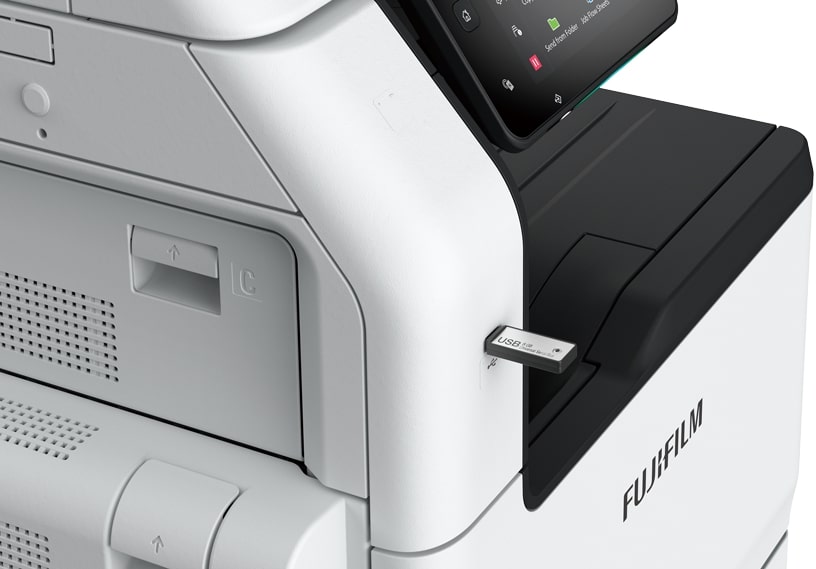
Direct scan to or print from USB for efficient operations

  • You can directly print the documents stored on a USB flash drive or scanned data can be directly stored on a USB flash drive without using a PC

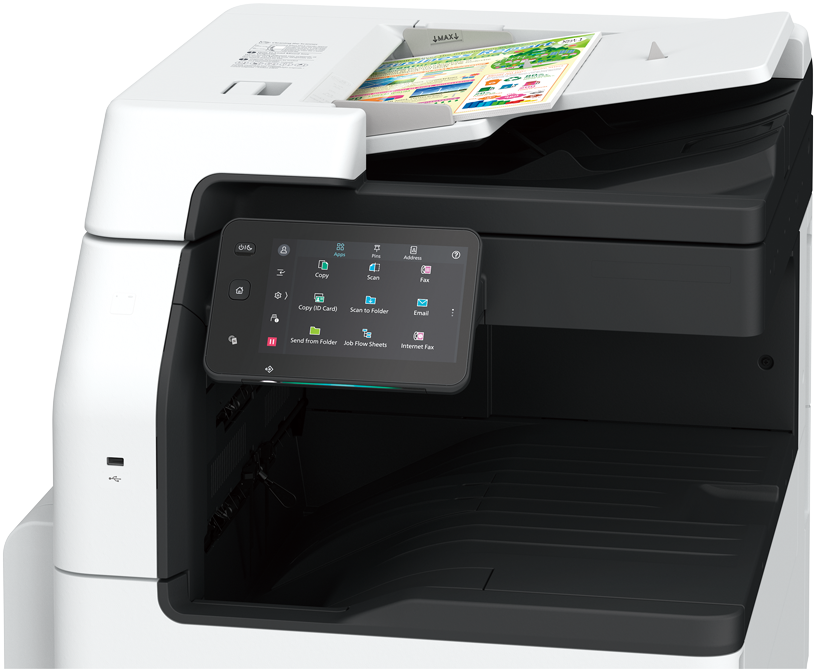
Simple layout with easy navigation

Black and gray tone UI gives better contrast for easy recognition.

  • Icons are evenly spread for easy recognition
  • Consistent operation steps of each function for easy recall
  • Home screen personalisation for ease of access to commonly used functions
  • Pin regular settings for registering frequent or repeated jobs
  • Clear visible light notifications for completed or error jobs
  • Subtle sound notification for alert and attention

Smartphone becomes a “portable operation panel”

Seamless connectivity with mobile devices for Copy, Fax, Print, Scan*4 jobs using the Print Utility*5 application.

  • Mobile device can be used as an alternative UI for operations control to minimise common touch points
  • Frequent settings can be saved as “Favourites”
  • Directly send fax or email with the addresses stored in the smartphone
  • Minimise printer touch points for hygiene reasons

Note: Connect to machine via wireless environment or Wi-Fi direct connection.
Download Brochure to know More

Contact Us Now

Call Now Button