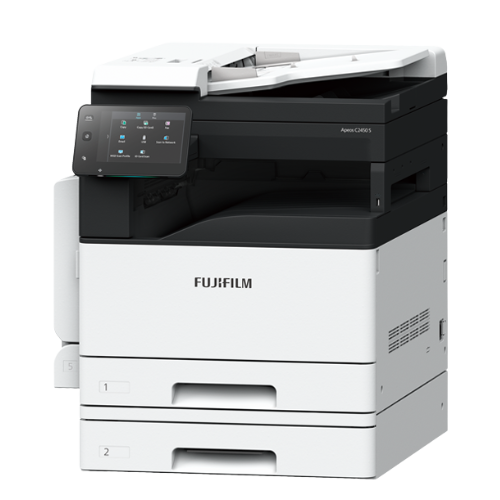
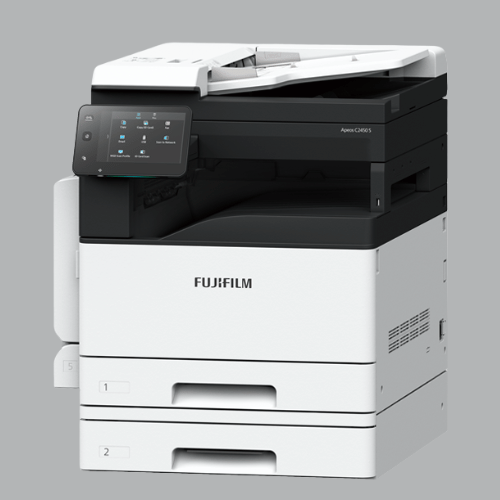
A3 Multifunction Monochrome Printer . First Color Multifunction to Unlock Your Business’ Potential
Overview
Copy/Print: Color/Monochrome 24 ppm*1
Scan: Color/Monochrome 50/60 ppm*2
Fax*3: Super G3 FAX
Printing Resolution: 1200 x 2400 dpi*4
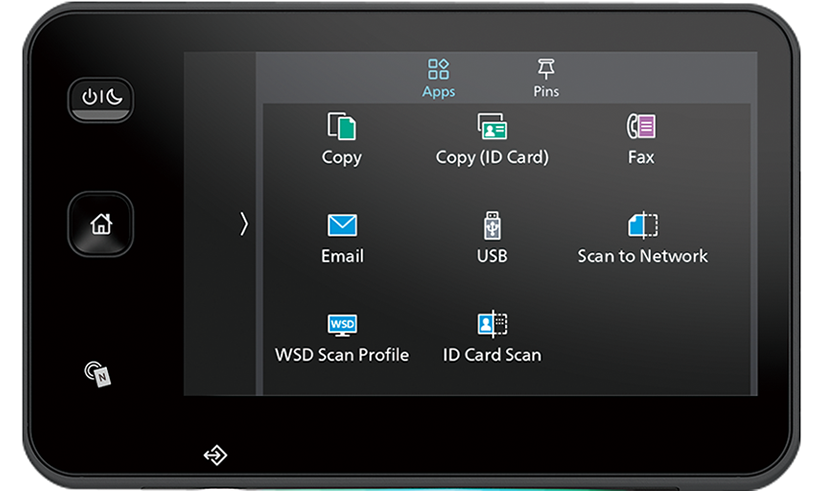
Control Panel: Tilted Color Touchscreen 7 inches
Mobile supported
Wireless LAN supported
Security
A4 LEF / Letter LEF. Print speed may drop due to image quality adjustment.
When the DADF is used. (1 pass, 2 sided scanning. Our Standard Document (A4), 200 dpi, to USB flash drive.) Scanning speed varies by the document.
Optional
Print Function
Features
Fast output, high print quality, quick scanning
Enhanced print speed and superior print quality
High speed output of 24 ppm for both color and monochrome
High-resolution printing of 1,200 x 2,400 dpi achieved with LED printhead
IReCT*1, digital image adjustment technology, minimises color misregistration.
Digitally corrects color misregistration at high resolution of 1,200 x 2,400 dpi. The accuracy ensures the image reproduction with ultra-high precision
Quick scanning of high-volume originals
Single-pass duplex scanning of Color 50 ppm / Mono 60 ppm.
Equipped with Duplex Automatic Document Feeder (DADF)
You can scan both sides of the original at once. Since the original is not inverted, it protects the original document
You can load originals up to 110 sheets*2
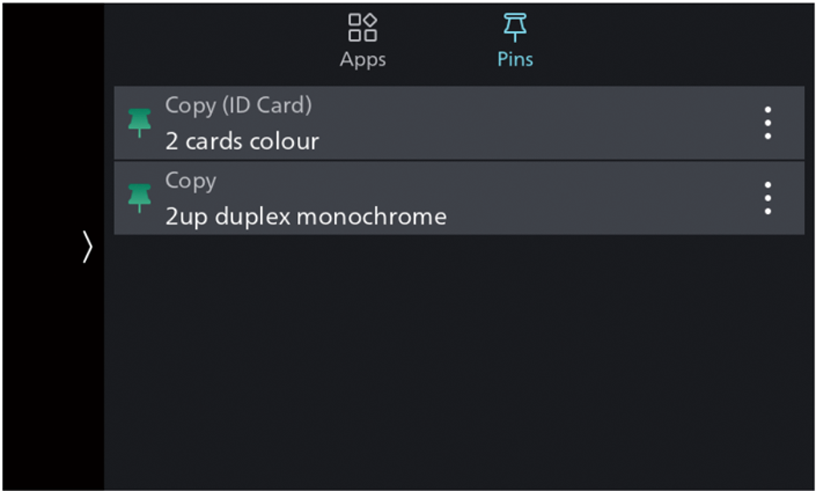
Easy to operate with 7-inch color touchscreen
Consistent operation steps of each function for a common brand operability
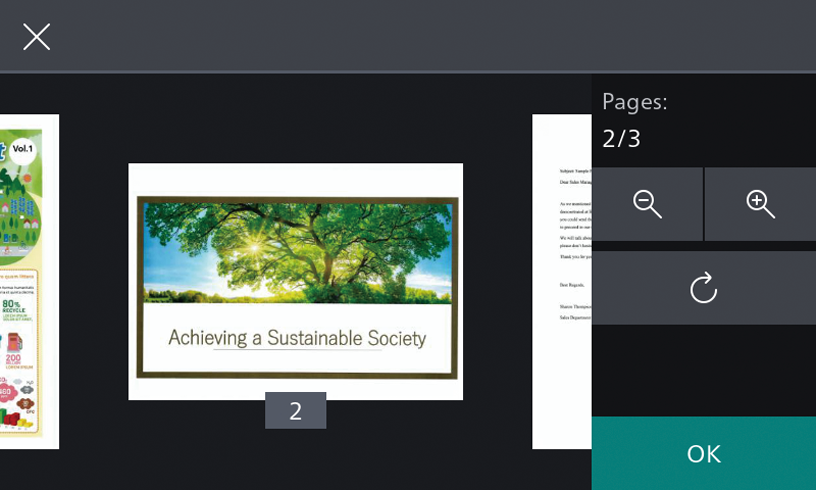
Check images before sending
Easily enlarge, check and select faxes or scanned images by Preview function before sending
Copying and scanning ID Cards
Copy both sides of an ID card on a single sheet of paper
Scan both sides of an ID card and save to a shared folder on your computer or to an FTP server*3
*3 Server address must be set in advance.
Seamless connectivity with mobile devices or USB flash drives
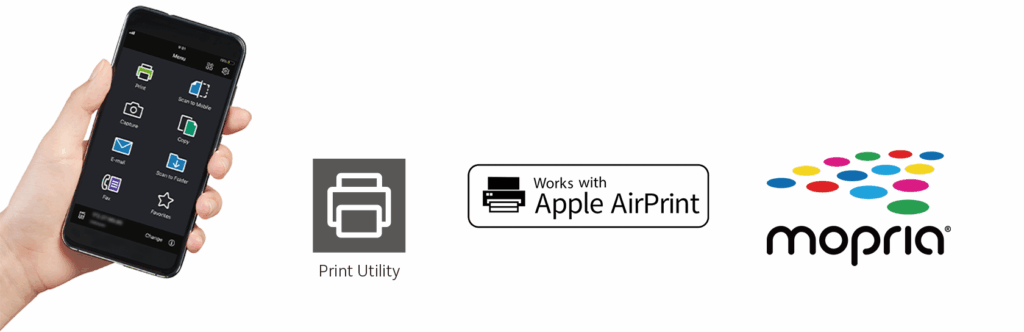
Mobile devices can be connected for Copy, Fax, Print, and Scan jobs*4 using the Print Utility*5 application
Mobile device can be used as an alternative UI for operations control to minimise common touch points
With the support of NFC (Near Field Communication), you can print and scan from mobile devices simply by tapping the device UI panel
It also supports direct mobile printing using AirPrint and Mopria® Print Service
Scan directly to / print directly from a standard USB flash drive for greater work efficiency
Direct mobile connection for easy communication
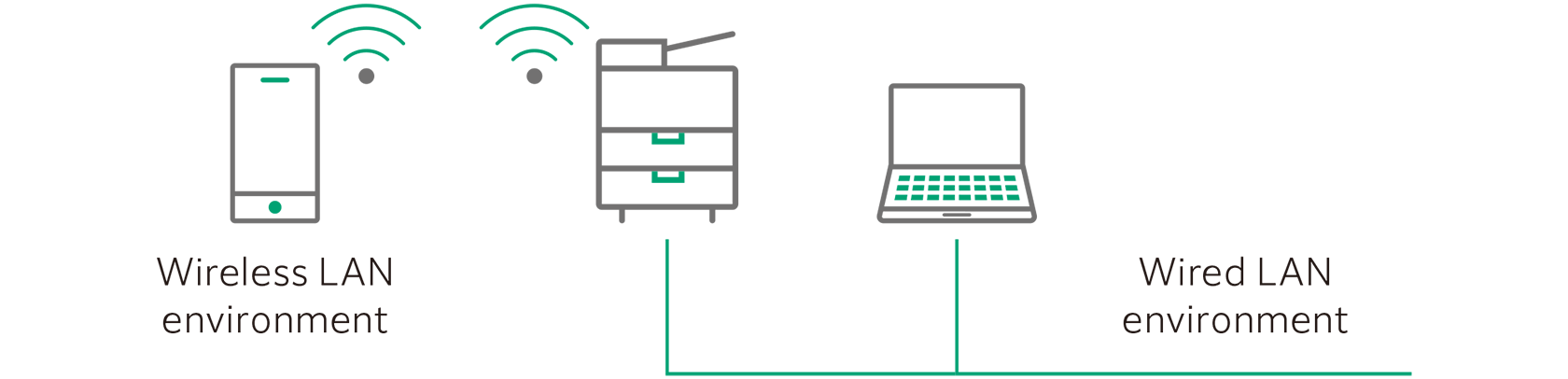
Wired LAN environments and wireless LAN environments can be utilized simultaneously. A visitor who cannot connect to the office intranet can directly connect to the device via the Wi-Fi network
Check incoming faxes on the go
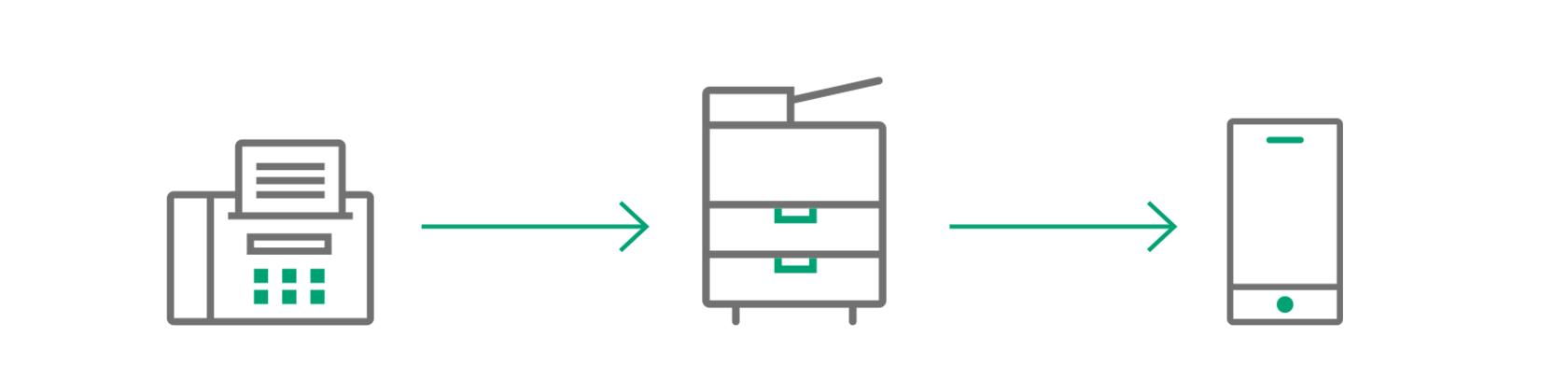
Incoming faxes can be automatically transferred to designated e-mail addresses, allowing you to view them by mobile device without missing any business opportunities
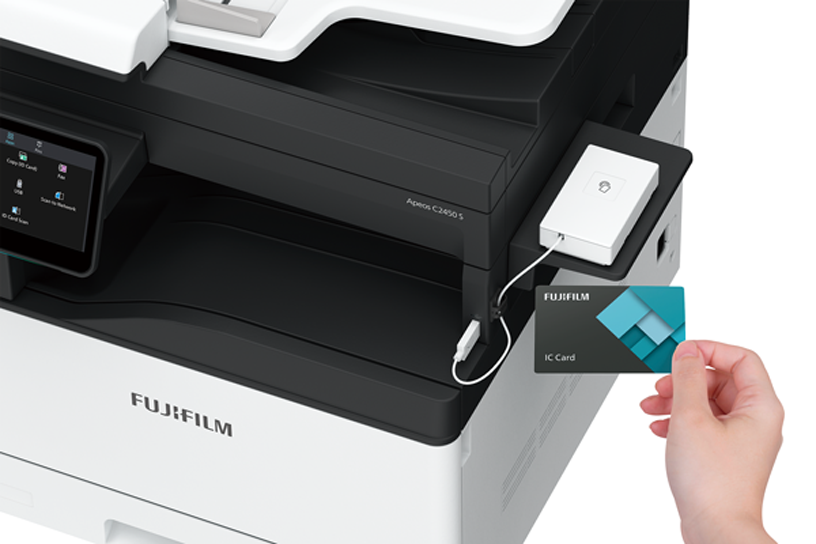
User authentication and Private Charge Print using IC Card*6
User authentication can be used to restrict unauthorized users from accessing the device or to set permission to access functions, such as printing in color by each user
Private Charge Print using IC card authentication*6 prevents information leakage due to confidential documents being left on the output tray
Maintain a more secure office environment with enhanced security features
Store incoming faxes on the device with password protection, and it can only be printed when the password is entered. It prevents confidential documents from being left on the output tray
Audit log is supported for tracking to prevent unauthorized use of the device